
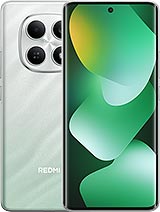

Redmi Note 15 4G

Redmi Note 15 4G- Latest Firmware, Rom, Eng, TWRP
Redmi Note 15 4G is known by the code name NONE. Redmi Note 15 4G has Global Firmware (Global ROM), Chinese Firmware (Chinese ROM), Stable MIUI and Beta MIUI software. Redmi Note 15 4G is also called . China ROM is for China region only. It only includes English and Chinese languages, but these roms do not include Google Services. Global Rom, on the other hand, are software files that include Google Services and have multi-language options, including Turkish. All files downloaded from XiaomiUpdate.com are free. Access to all ROM files is securely provided via official Xiaomi servers. EU ROM, TWRP files and other files are not official. All risks arising from use belong to the user.

Redmi Note 15 4G Files

Redmi Note 15 4G Latest Posts
Redmi Note 15 4G Features

NETWORK

Tecnology
GSM / HSPA / LTE
2G
GSM 850 / 900 / 1800 / 1900
3G
HSDPA 800 / 850 / 900 / 1700(AWS) / 1900 / 2100
4G
1, 2, 3, 4, 5, 7, 8, 12, 13, 17, 18, 19, 20, 26, 28, 38, 40, 41, 66
5G
HSPA, LTE
Speed

TIMELINE

Announced
2025, December 18
Released

BODY

Dimensions
164 x 75.4 x 7.9 mm (6.46 x 2.97 x 0.31 in)
Weight
183.7 g (6.49 oz)
Build
Nano-SIM + Nano-SIM
SIM

DISPLAY

Type
AMOLED, 68B colors, 120Hz, 3840Hz PWM, 3200 nits (peak)
Size
6.77 inches, 110.9 cm2 (~89.7% screen-to-body ratio)
Resolution
1080 x 2392 pixels (~388 ppi density)
Protection
Mediatek Helio G100 Ultra (6 nm)

PLATFORM

OS
Mediatek Helio G100 Ultra (6 nm)
Chipset
Octa-core (2×2.2 GHz Cortex-A76 & 6×2.0 GHz Cortex-A55)
CPU
Mali-G57 MC2
GPU

MEMORY

Card slot
microSDXC (uses shared SIM slot)
Internal
128GB 6GB RAM, 128GB 8GB RAM, 256GB 8GB RAM, 512GB 8GB RAM

MAIN CAMERA

Camera
LED flash, HDR, panorama
Features
1080p@30/60fps
Video

FRONT CAMERA

Camera
20 MP, f/2.2, (wide), 1/4.0″, 0.7µm
Features
1080p@30fps
Video

SOUND

Loudspeaker
24-bit/192kHz Hi-Res audio
3.5mm jack

COMMUNICATES

WLAN
Wi-Fi 802.11 a/b/g/n/ac, dual-band, Wi-Fi Direct
Bluetooth
5.3, A2DP, LE
GPS
GPS, GALILEO, GLONASS, QZSS, BDS
NFC
Yes (market/region dependent)
Radio
No
USB
USB Type-C 2.0, OTG

FEATURES

Sensors
Fingerprint (under display, optical), accelerometer, gyro, compass, proximity

BATTERY

Battery
6000 mAh
Charging

MISC

Colors
Black, Forest Green, Glacier Blue, Purple

Disclaimer: We can not guarantee that the information on this page is 100% correct

How to flash Xiaomi Xiaomi Redmi Note 15 4G
  1. If you have Fastboot firmware, the extension must be “.tgz.” If it is not in this format, rename it from “.gz” to “.tgz.” You can extract it using WinRAR.

  2. To work with Fastboot firmware, download the latest version of XiaomiFlash. After downloading, extract the tool.

  1. Open “XiaoMiFlash.exe.” Install the required driver if prompted. Click on “select” and choose the firmware/ROM folder that contains the “flash_all.bat” file.

  2. Ensure that your phone’s bootloader is unlocked. If not, you’ll need to boot your phone into EDL mode (9008) for flashing.

  3. To enter Fastboot mode, hold the “Power” and “Volume Down” buttons simultaneously for 5-10 seconds. Release the buttons when the Fastboot screen appears.

  4. Connect your phone to your computer and click “Refresh” in XiaoMiFlash to scan for the device. If a device is detected, you’re good to go.

  5. Make sure to select “clean all” (this is very important). Failing to do so may result in your phone having a locked bootloader after the flash is completed.

  6. Click “Flash” and wait until it shows either a success message or an error.

For different ROM types:

  • ZIP: Flash the ZIP ROM using the “Update” function in the System or via TWRP.
  • EU: Flash the EU ROM using TWRP.
How to unlock bootloader Redmi Note 15 4G

Unlocking the bootloader of your device increases its vulnerability to malware attacks, potentially exposing your private data. Some high-security features, such as “Find device” and added-value services, may become unavailable. Additionally, unlocking the bootloader may result in the loss of phone data, including photos, contacts, SMS, and application data. Proceed at your own risk.

  1. Log in to your Xiaomi phone with your Mi account. Navigate to “Settings” > “Phone information” and tap on the “MIUI version” seven times. This will enable developer options.

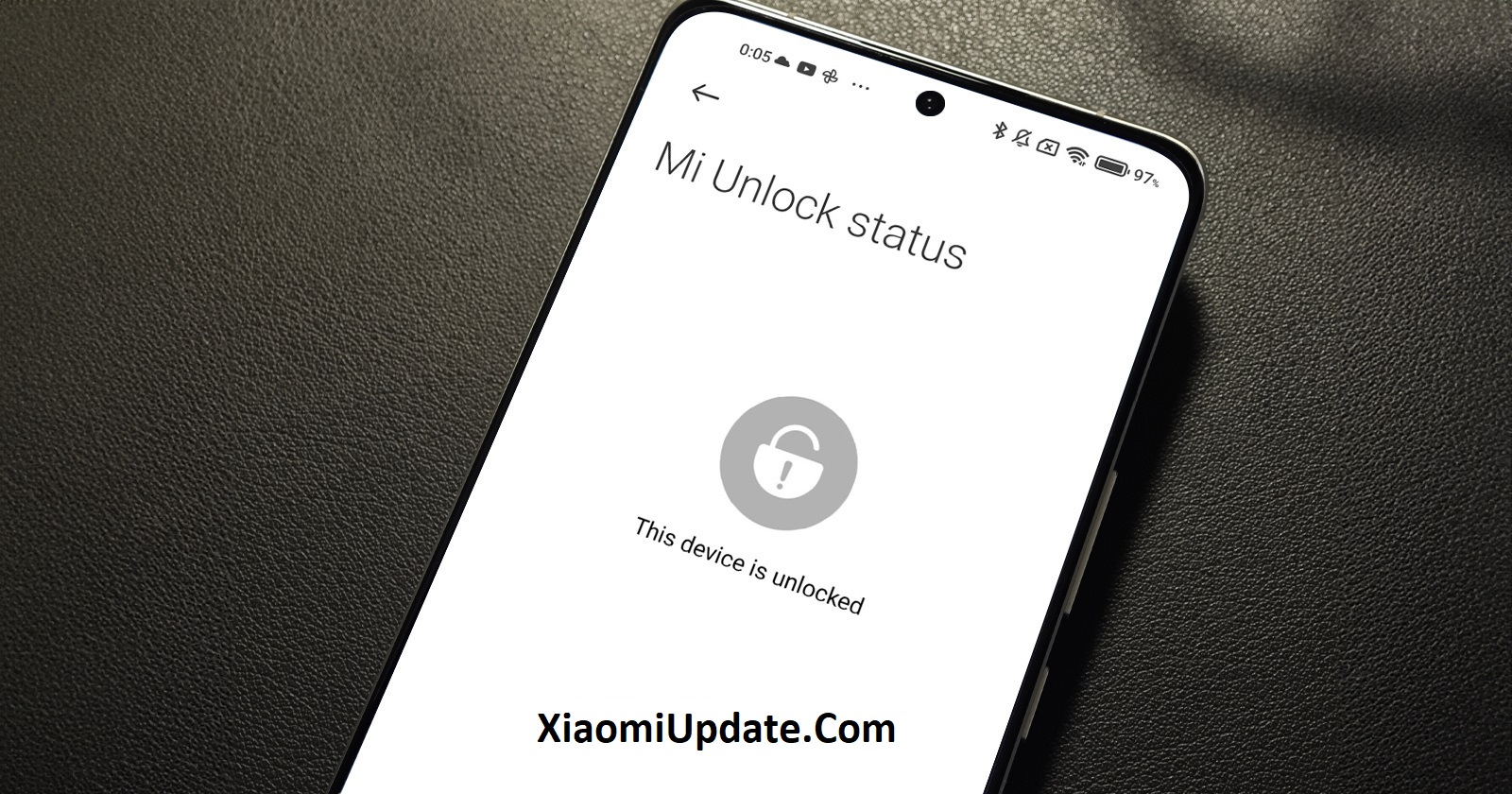
  2. Go to “Settings” > “Additional settings” > “Developer options” and select “Mi Unlock status.” Press “Add account” and wait for the success notice. (Please note that this step requires a SIM card and mobile data to be enabled.)

  3. Download the Mi Unlock app to your PC and sign in with the Mi account that you’ve used on your Mi phone.

  4. Manually shut down your phone. Then, hold the Power and Volume Down buttons simultaneously to enter Fastboot mode.

  5. Connect your phone to the PC using a USB cable and click on the “Unlock” button within the Mi Unlock app.

Topluluğumuza Katılmak İster Misin?

Telegram kanalımıza hemen katıl, güncellemeleri kaçırma!

Telegram'a Katıl
;